
Scan & Edit
Camera scanner, crop, filters & signatures
Workspace
Your Smart AI Study Companion
Scan documents, import images or PDFs, edit pages, extract text, summarize, translate, create quizzes, and export study packs with Studiva.
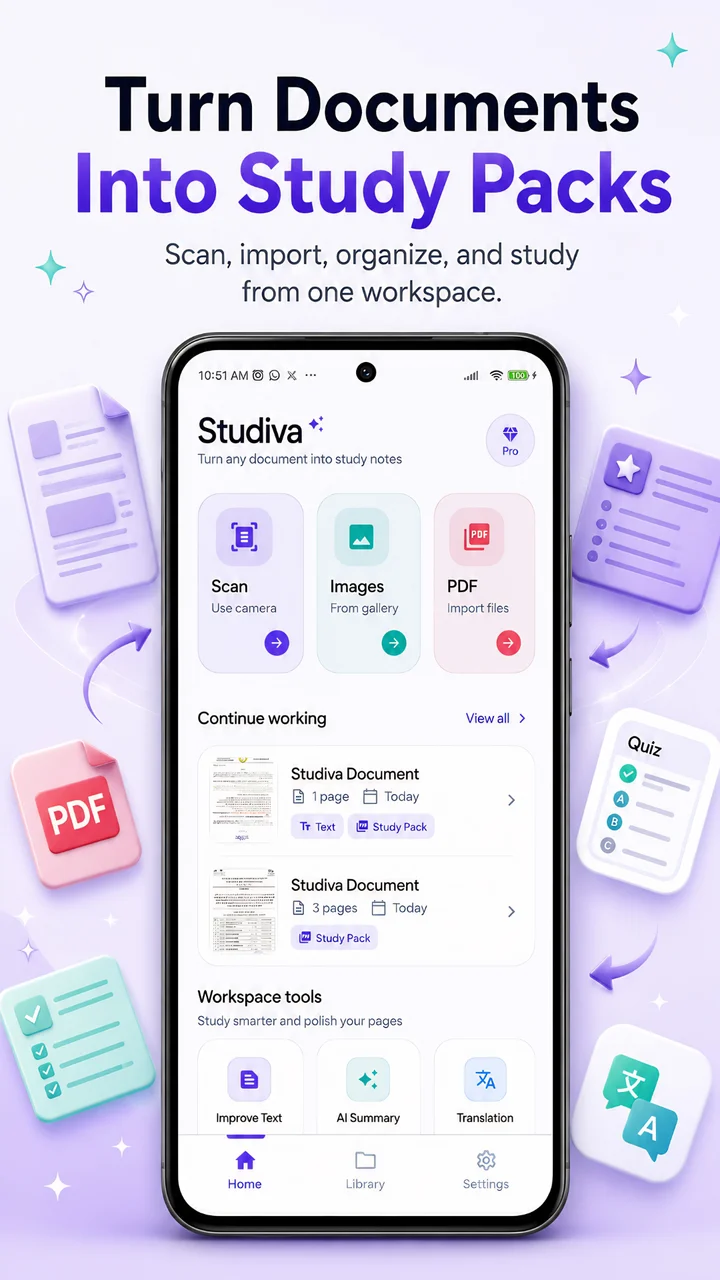
Move from raw paper or cluttered PDFs to beautifully organized study materials. Extract text with OCR, improve readability with AI, translate documents, summarize complex pages, and practice actively with quizzes.
Get started for freeCamera scanner, crop, filters & signatures
Workspace
Extract text from images, scans and PDFs
OCR Engine
Turn long pages into clear study overviews
AI Study
Generate smart practice questions instantly
Active Recall
Practical and powerful tools for students, researchers, and document-based learners. Built with state-of-the-art AI.
Scan pages, import images, or open PDF files in one clean workspace.
Crop, rotate, filter, add text, and sign pages before export or study.
Use OCR and AI text improvement to turn scans into readable study text.
Turn long documents into clear study overviews and key points.
Translate notes and documents into your preferred language.
Create study questions from your own document content for active recall.
Save pages, extracted text, summaries, translations, and quizzes as study materials.
Store documents and study outputs in your secure local library.
A beautiful, premium study workspace on your phone. See how Studiva streamlines your academic workflow.
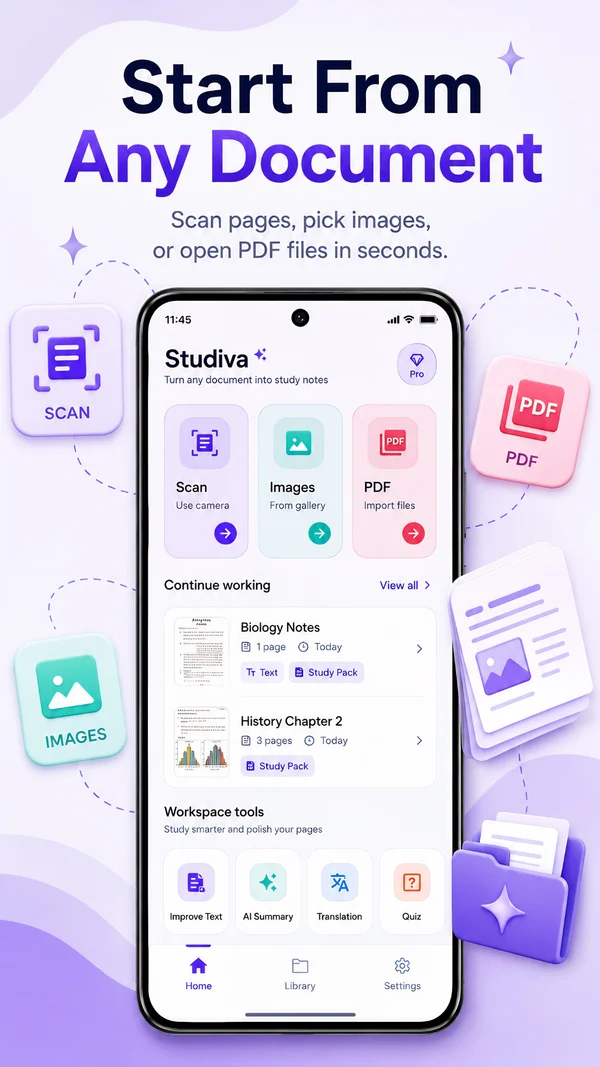
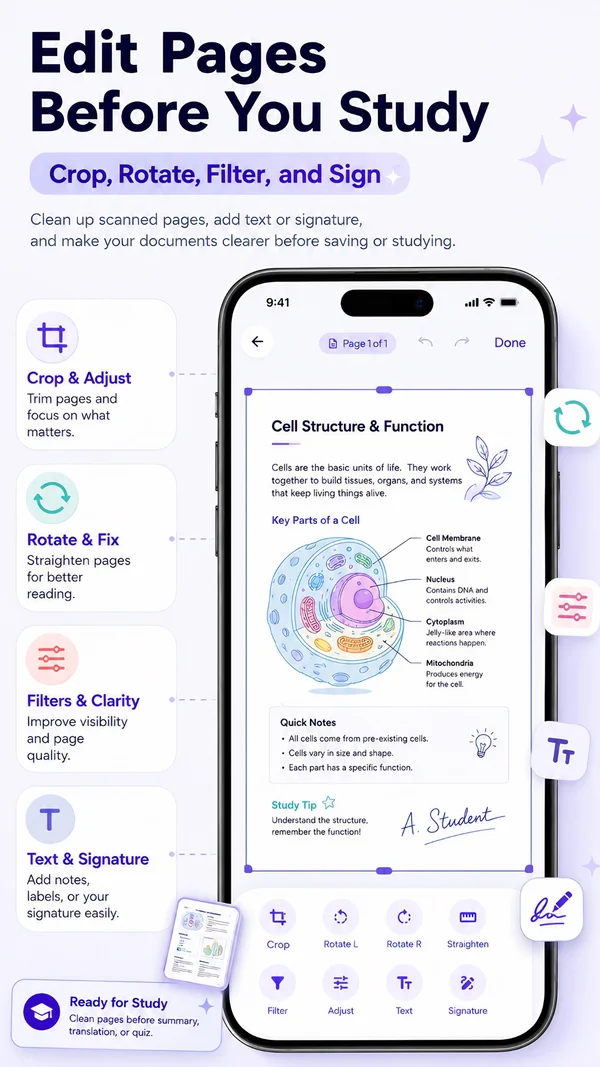
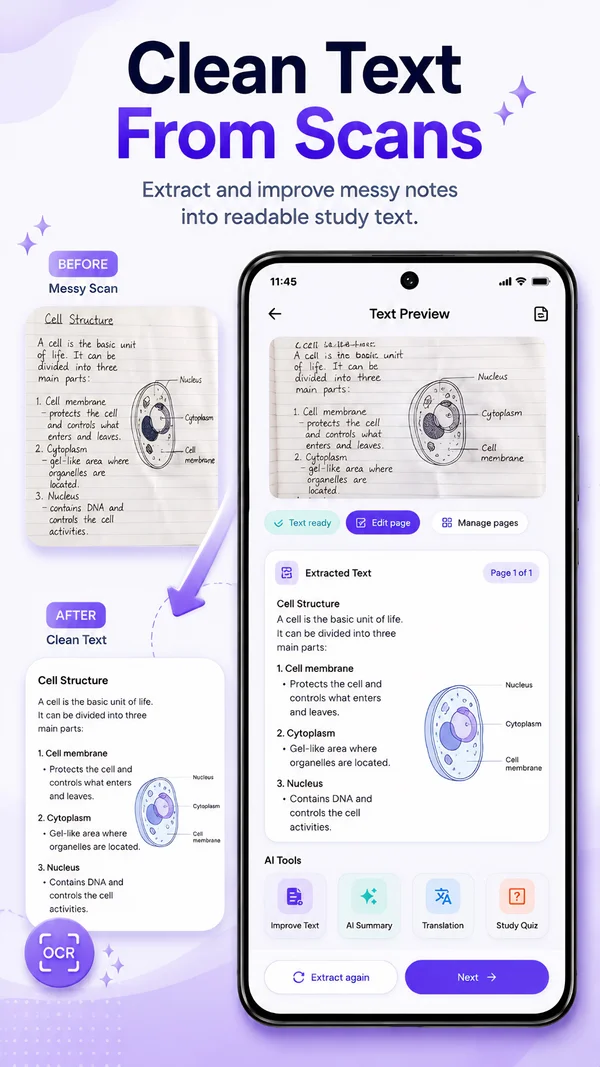
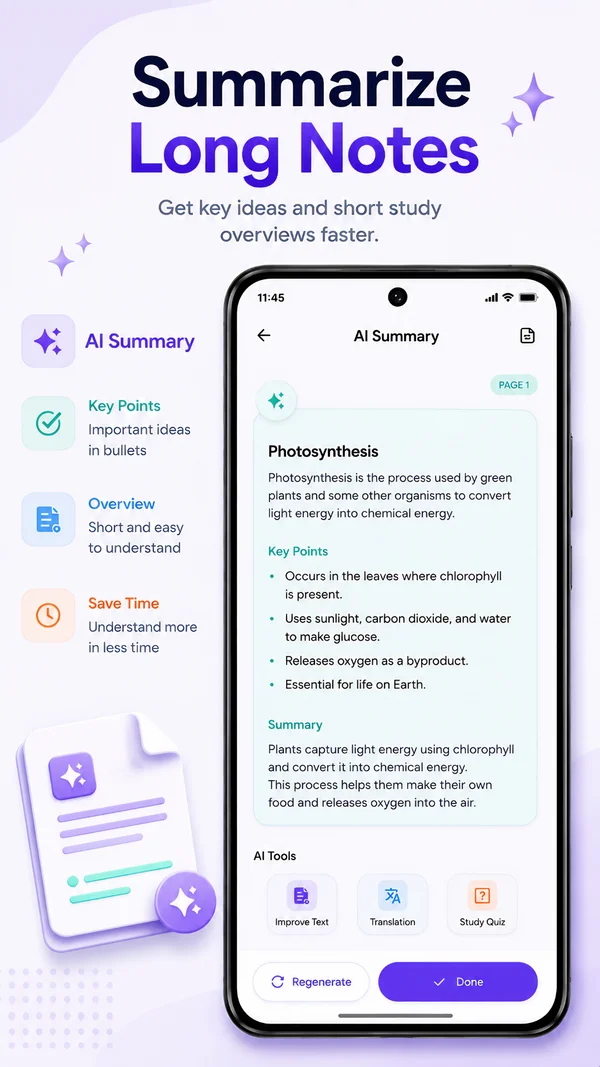
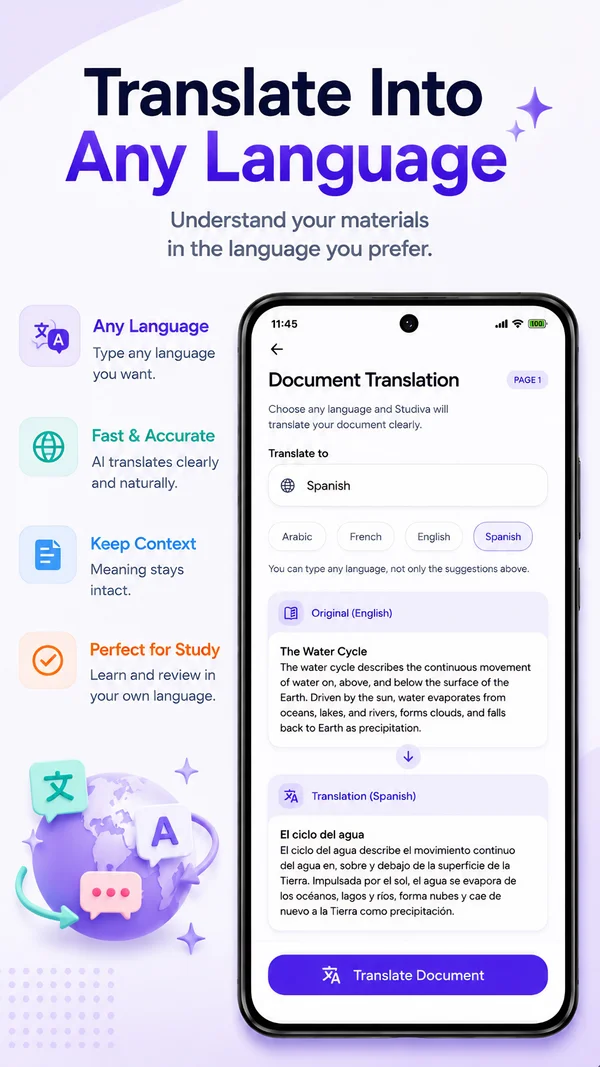
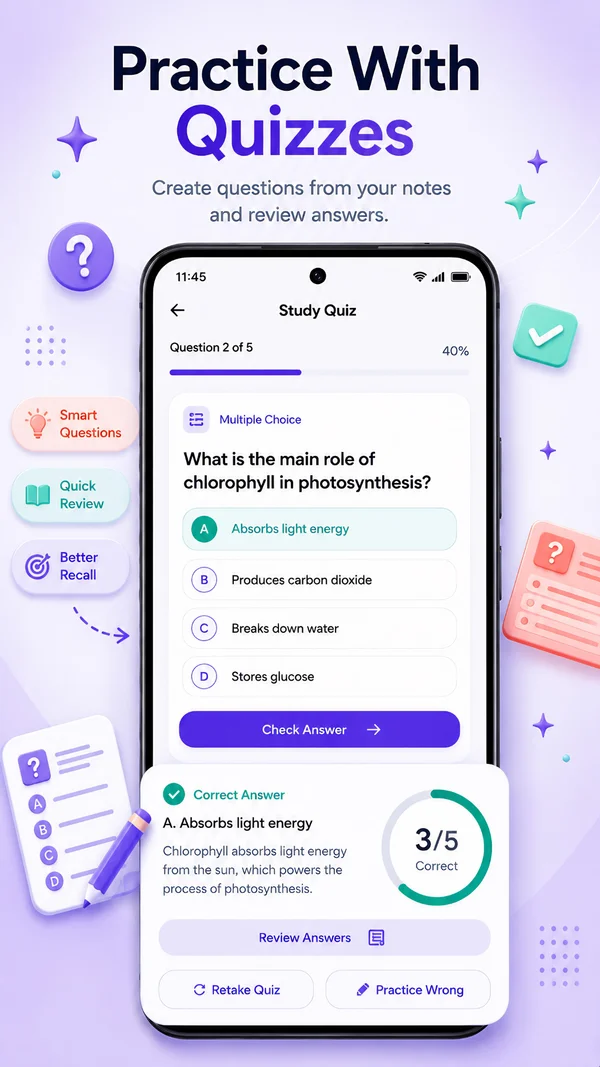
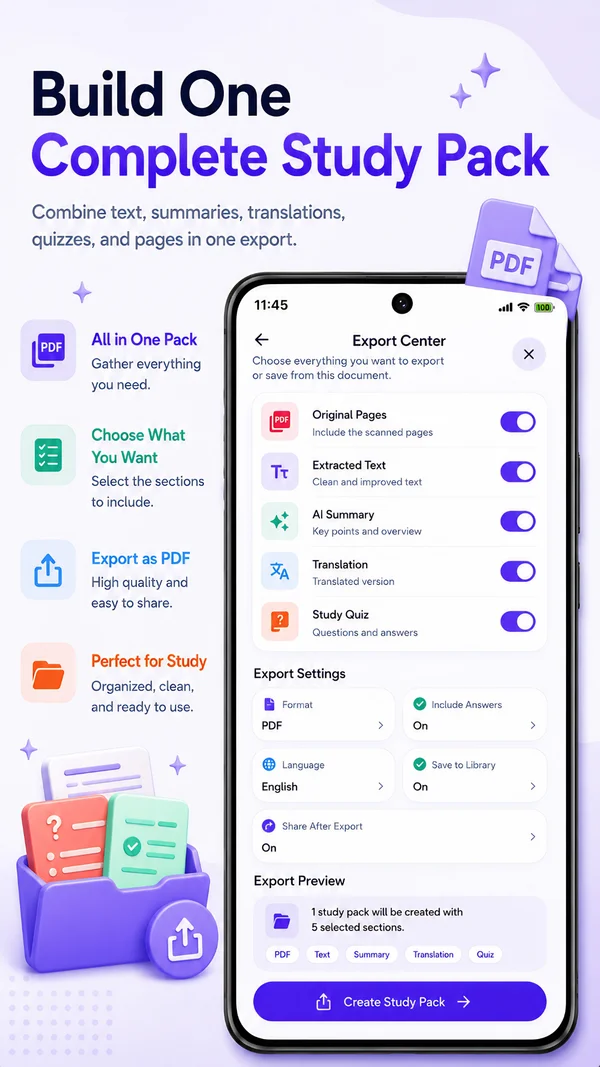
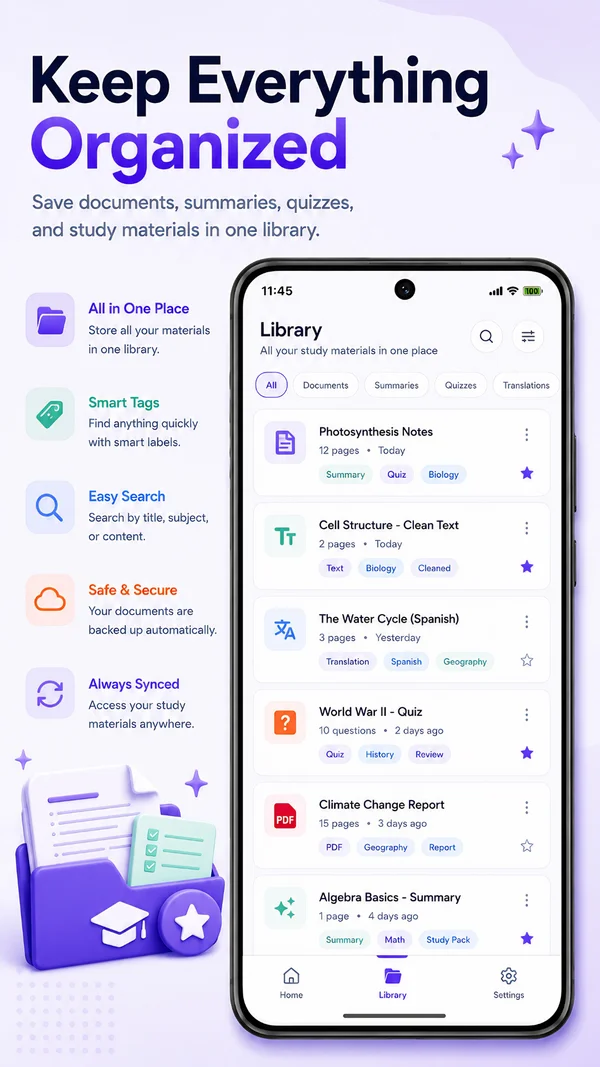
Studiva is more than just a camera scanner. It's a full-featured workspace built specifically to help students extract value from physical books, notes, and handouts.
Your data is yours. Studiva processes and stores all your scanned documents directly on your device, giving you more control over your study materials.
Group related documents, notes, quizzes, and summaries into study packs, so you always have what you need right at your fingertips.
Get context-aware study actions instantly. Perfect for quickly translating foreign worksheets or summarizing dense lectures.
Access saved documents, edit pages, and review local study materials on your device. Optional AI tools may require online processing.
Saved documents remain on your device unless you choose features that require online processing.
Studiva is the ultimate companion for modern students, academics, and lifelong learners. By combining high-fidelity mobile PDF scanning with advanced artificial intelligence, Studiva turns any physical handout, textbook page, or handwritten notes into a fully interactive digital workspace. Scan on the go, crop and clean up document edges, extract clear text via OCR, translate files into your native language, generate concise summaries, and test your comprehension with instantly generated study quizzes. Studiva keeps your saved study workspace on your device, while optional AI features may use secure online processing to generate summaries, translations, quizzes, or improved text, giving you a private, local-first study library that helps you excel in your education.
Clear answers to help you get the most out of your Studiva scanner and study workspace.
Studiva is a premium mobile AI PDF scanner and comprehensive study workspace. It is designed to help students, researchers, and professionals scan physical materials, extract text using high-accuracy OCR, edit document pages, generate AI summaries and translations, and create interactive active recall quizzes to study more efficiently.
Studiva utilizes advanced edge detection algorithms to automatically detect document borders, correct perspective distortions, and apply premium high-contrast filters. This ensures your hand-held page captures look like professionally flat, clean scanned PDF files.
Yes. You can import any existing image file or PDF document from your phone directly into a Studiva workspace to apply our editing tools, run OCR, translate text, or generate quizzes.
Within your active workspace, you can easily crop borders, rotate pages, apply advanced black-and-white or color document filters, add custom text annotations, and even sign pages securely before exporting your study pack.
Studiva has an integrated offline OCR engine that extracts text from physical scans, handwriting, or imported images. You can then copy the raw text or use our built-in AI tools to correct typos, reformat layouts, and polish the final reading material.
Absolutely. Studiva allows you to summarize long, dense handouts into concise bullet points, core concepts, and key action items. You can also translate any extracted text into multiple languages instantly, keeping all study translations organized in your local packs.
Studiva can analyze your scanned notes or imported PDFs to generate smart interactive quizzes (like multiple-choice questions) instantly. This enables active recall and spaced repetition practice directly based on your course syllabus.
The Studiva app is currently available for Android devices on the Google Play Store. The iOS app for iPhone and iPad is under active development and is scheduled to release on the Apple App Store very soon. Stay tuned!
Studiva is free to download and includes essential scanning, editing, and local library organization tools. We also offer premium Pro features (such as advanced AI summaries, advanced OCR capabilities, and smart quiz generators) via simple, affordable local in-app purchases.